CTO / IT LEADERSHIP
Share a technical state, then follow its evolution.
Use the overview, SAI reading, comparison and a PDF summary to support a technical review with visible evidence and changes between analyses.
Open CoreAnalyzer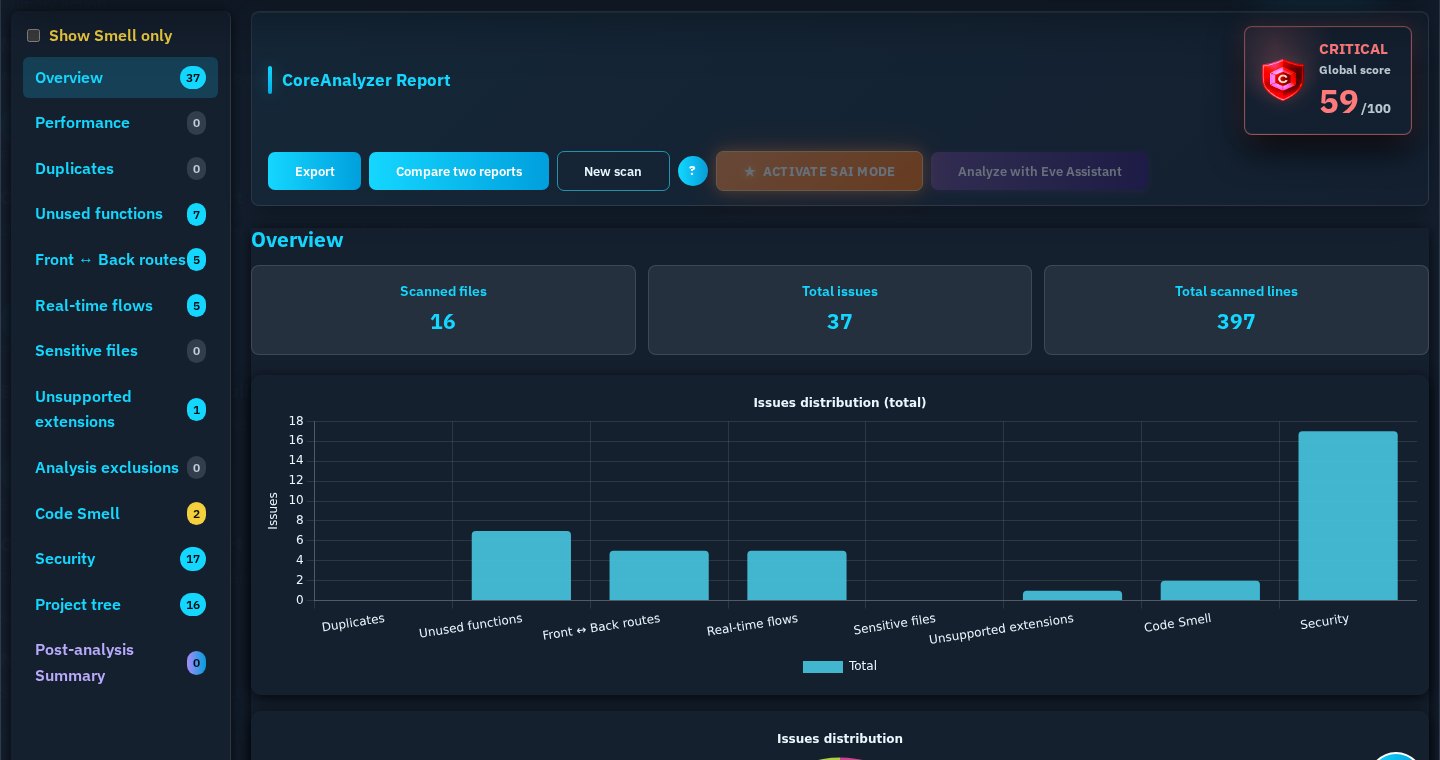
COREDEVPRO ENTERPRISE
CoreAnalyzer turns a project analysis into a structured report your teams can review, compare, share and reuse in technical workflows.
FOR ORGANIZATIONS THAT DECIDE
Teams already rely on specialized tools. CoreDevPro does not claim to replace them: it adds a structured project reading and a reusable technical artifact to the decisions that cross engineering, security and delivery.
Code, configuration, structure and available application relationships.
One deterministic analysis produces a structured technical report.
A report that teams can reopen, compare and use in their workflows.
The same report supports different decisions without asking each team to rebuild the technical context.
Review evidencePrioritize investigationFollow changePrepare technical contextEVIDENCE FOR EACH TEAM
Choose a role. Each path points to a real CoreAnalyzer view, report action or export capability.
CTO / IT LEADERSHIP
Use the overview, SAI reading, comparison and a PDF summary to support a technical review with visible evidence and changes between analyses.
Open CoreAnalyzerLEAD DEVELOPERS
Use SAI insights, root-cause groupings, filters and JSON comparison to organize investigation and follow changes over time.
Understand SAI reading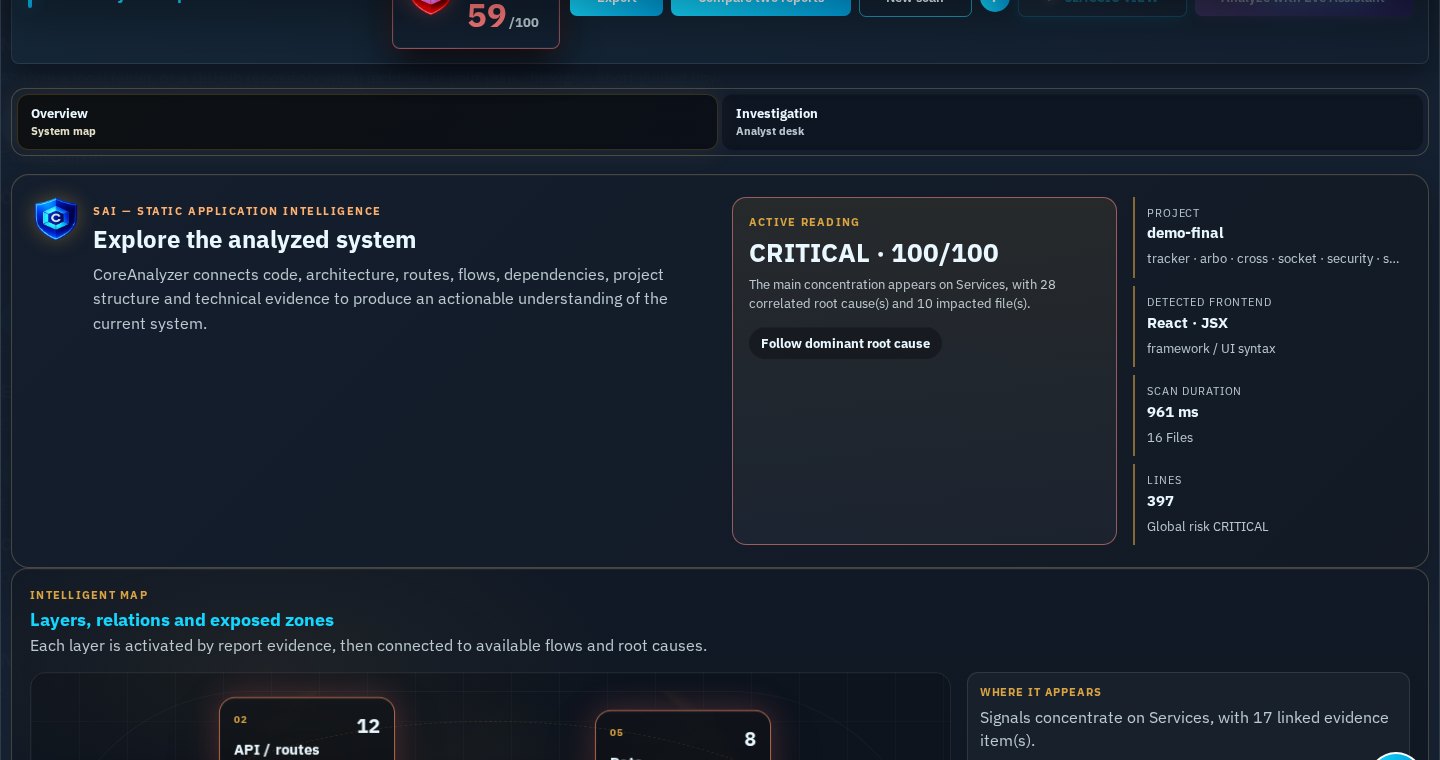
DEVELOPERS
Use project structure to locate paths referenced by the report, then open a file to review its grouped anomalies. A file-level PDF is available when the active right allows it.
Explore project structure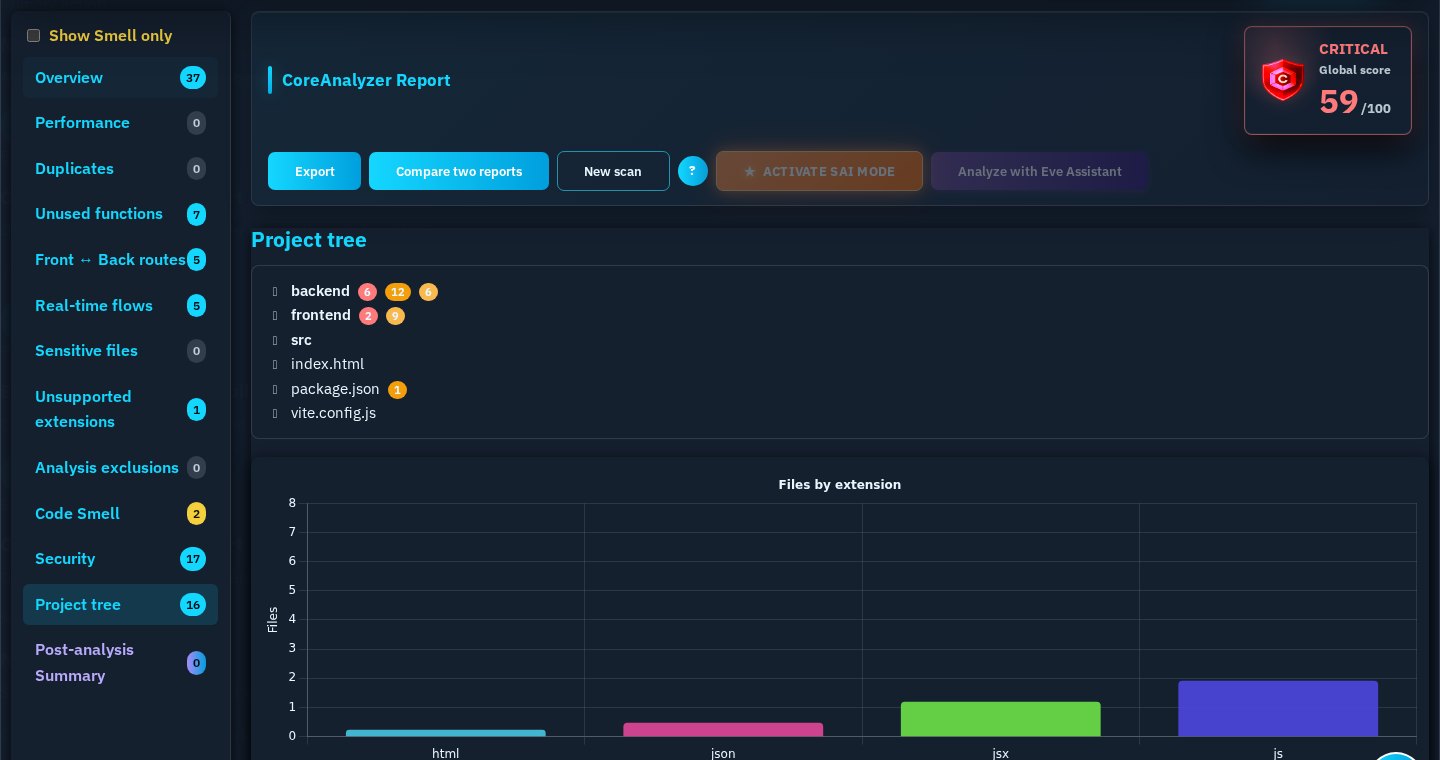
APPSEC / SECURITY
Review the available security findings, preserve a structured report and use the active report formats or security exports for the workflow.
Read security documentation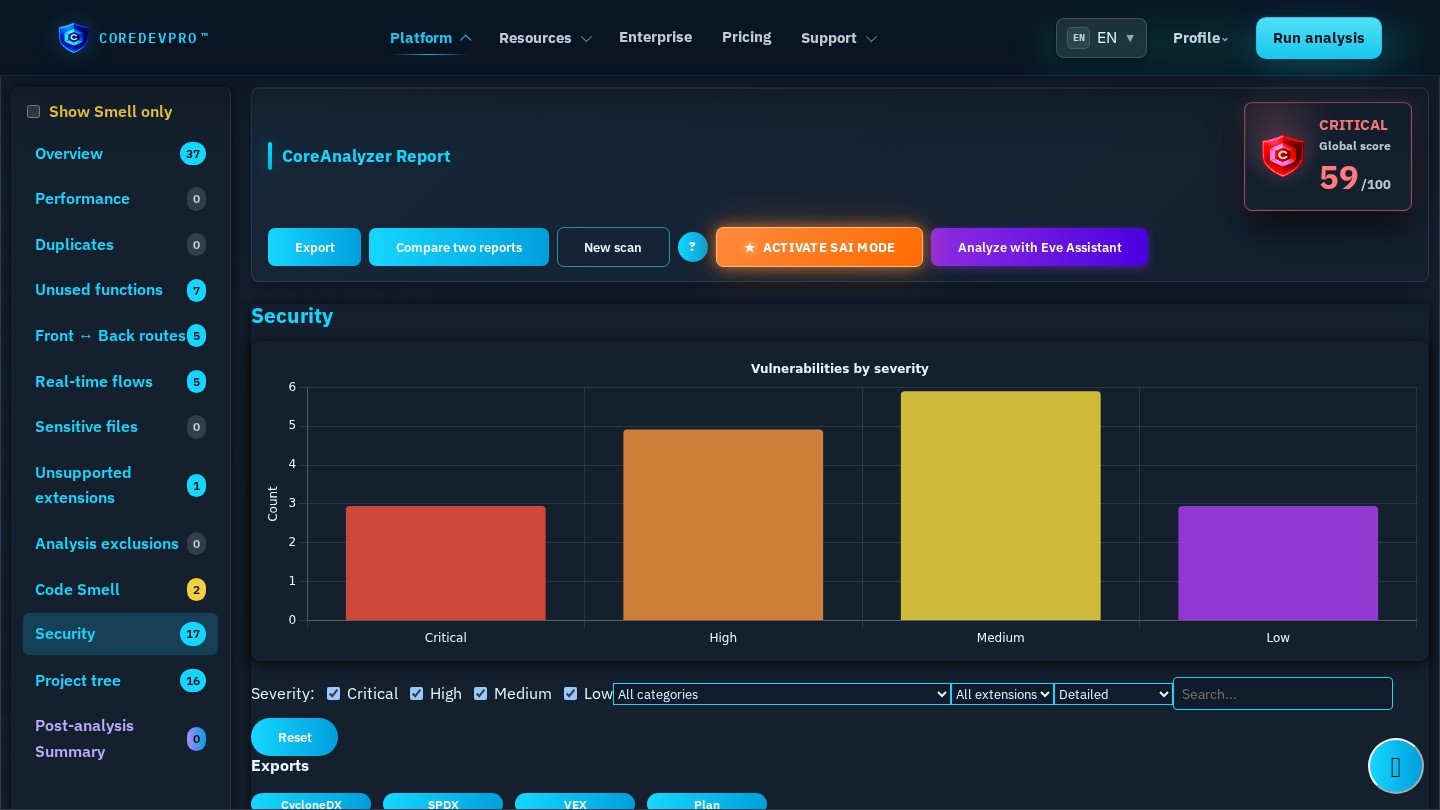
DEVOPS / CI-CD
Generate the report format suited to the workflow, reopen it in the Web or use it as a structured input in tools that support it.
Read CLI / CI-CD documentation.jsonCanonical technical report
.cdpSigned integrity artifact
.cdp encryptedAES-256-GCM
Choose the format according to the workflow and active rights.
AI TEAMS
Use the report as a clean, structured and verifiable context source. The external agent remains responsible for its own interpretation and output.
Read report formatsprooffile and line when available
relationsroutes, dependencies and available links
priorityseverity and context available in the report
The report reduces blind searching; the external agent still interprets the context and produces its own output.
THE REPORT LIVES AFTER THE SCAN
The report remains available for reading, comparison, technical sharing and, when appropriate, as structured context for an AI workflow.
Open the same report in Classic or SAI view.
Keep JSON, signed .cdp or password-protected .cdp when available.
Compare two JSON reports to follow improvements and regressions.
Generate authorized PDF, HTML or CSV outputs from the opened Web report.
For AI workflows, a report can provide structured technical context. It does not replace human validation or control the output of an external agent.
Understand report formatsDEDICATED INTEGRATION
An Enterprise engagement is defined around projects, teams, access modes, CLI or CI/CD workflows, expected support and security constraints.
Request an enterprise scopeDedicated deployment is not presented as a standard, already available configuration. Its scope, operating model and rollout are validated contractually and technically for each project.
CONTROLLED BY DESIGN
The main code analysis uses the proprietary CoreAnalyzer engine and does not require an external AI service to analyze the source code.
Generated reports do not retain raw source-code content in the current production configuration.
A signed .cdp carries a structured report and integrity information; an encrypted .cdp protects its payload with a password using AES-256-GCM.
Available views, exports and delivery formats depend on active rights, report data and the agreed Enterprise scope.
Tell us about your projects, teams and constraints. We will define the CoreDevPro path that fits your technical reality.
Request a quote